
01
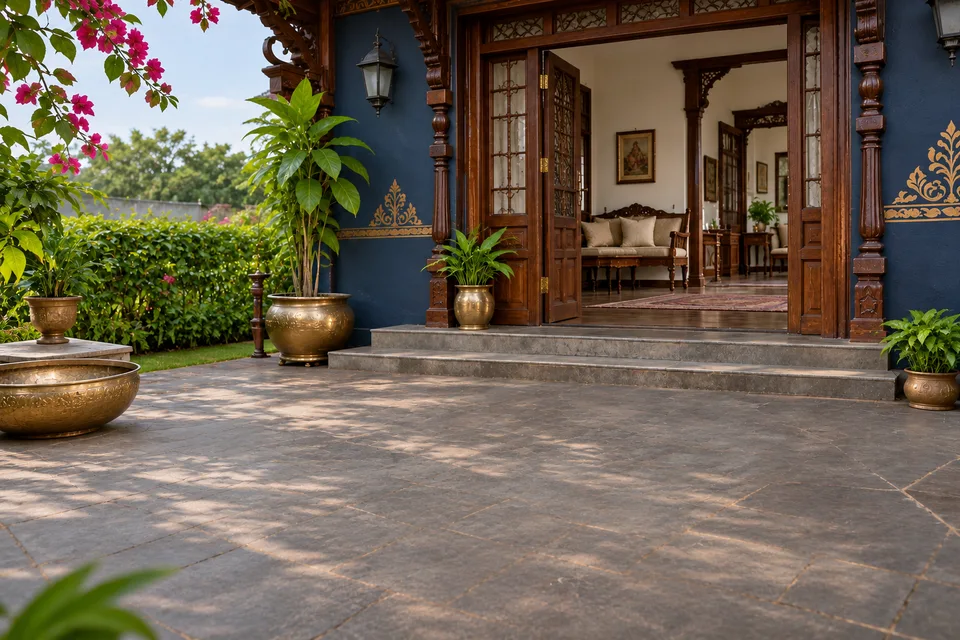
Festive portrait
Upload a photo to restyle yourself.
A warm Diwali portrait with silk attire, handmade diyas and natural skin texture.
FESTIVAL STUDIO / INDIA & BIHAR
Turn a festive idea into a portrait, greeting, invitation or campaign. Choose your occasion, add your words and make something ready to share.
THE FESTIVAL TRANSFORMATION
Choose an occasion. Drag the divider to explore the styling.
 SkyX Technologyskyxtech.in

 Before · everydayAfter · festival SkyX / FESTIVAL STUDIO
CHOOSE A CELEBRATION / 16
Create your versionSTART WITH THE RESULT
Seven ways to make it yours. Each choice opens the editor with the matching use case selected.
Upload a photo to restyle yourself.
A warm Diwali portrait with silk attire, handmade diyas and natural skin texture.
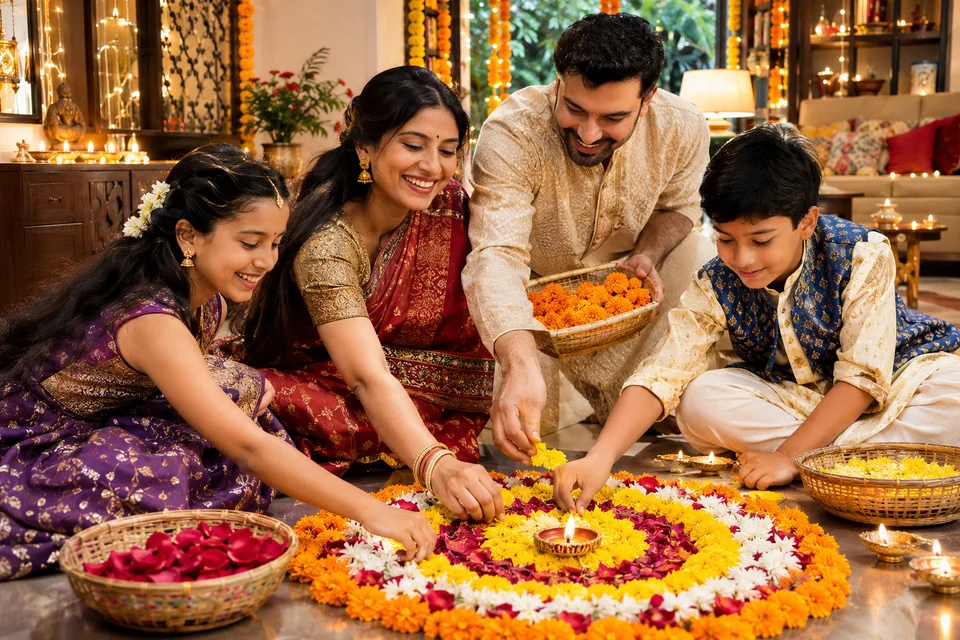
Create a warm family keepsake.
A candid family moment in a marigold-decorated courtyard, with everyone’s identity preserved from your reference.
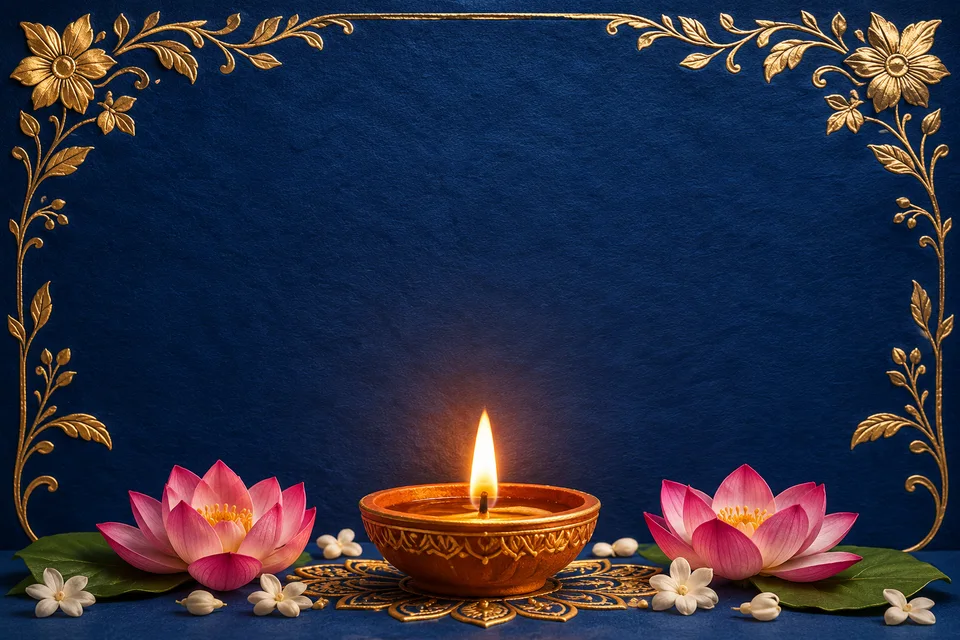
Share wishes with your name and message.
A minimal Chhath greeting with a bamboo soop, river reflections and your exact Hindi wishes.
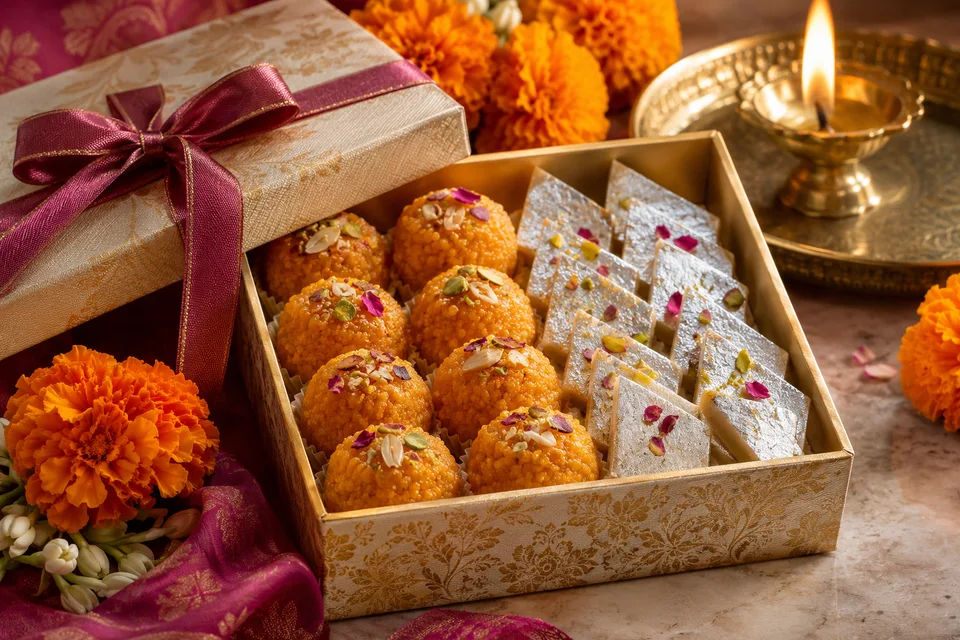
Add your product photo and exact offer.
Your real product in a festive setting, with your shop name and only the offer you supply.
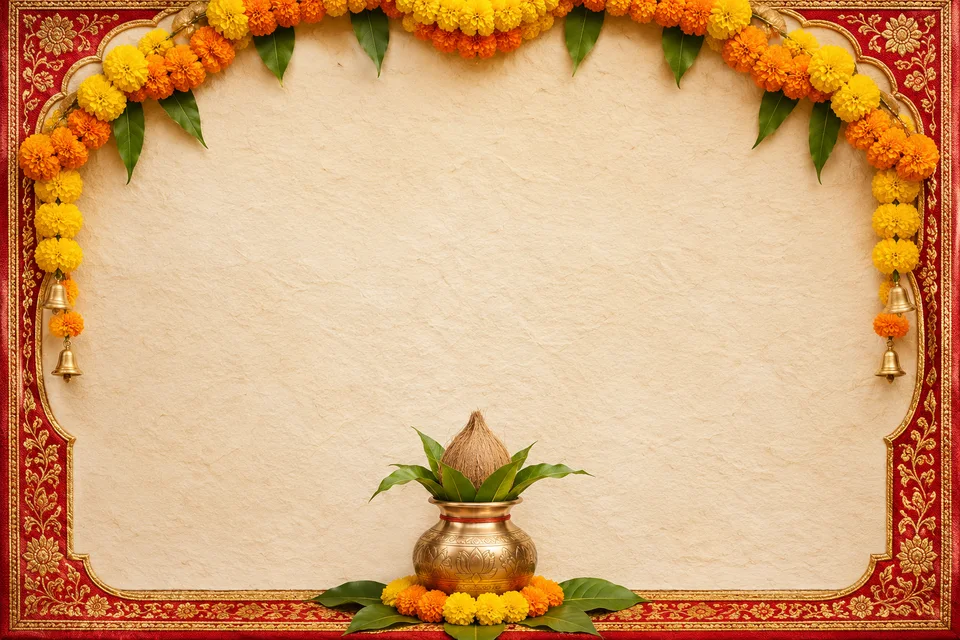
Include your venue, date and host in the copy.
A clean community puja invitation with your host name, venue, date and time.
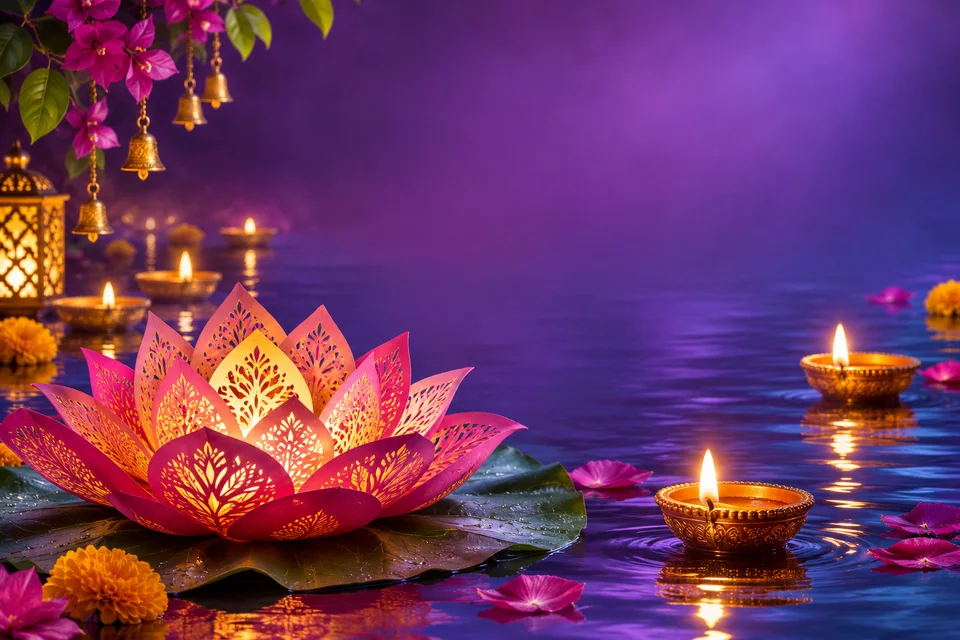
Make a vertical greeting ready to share.
A vertical festive wish with room for your name and space around the edges for app controls.
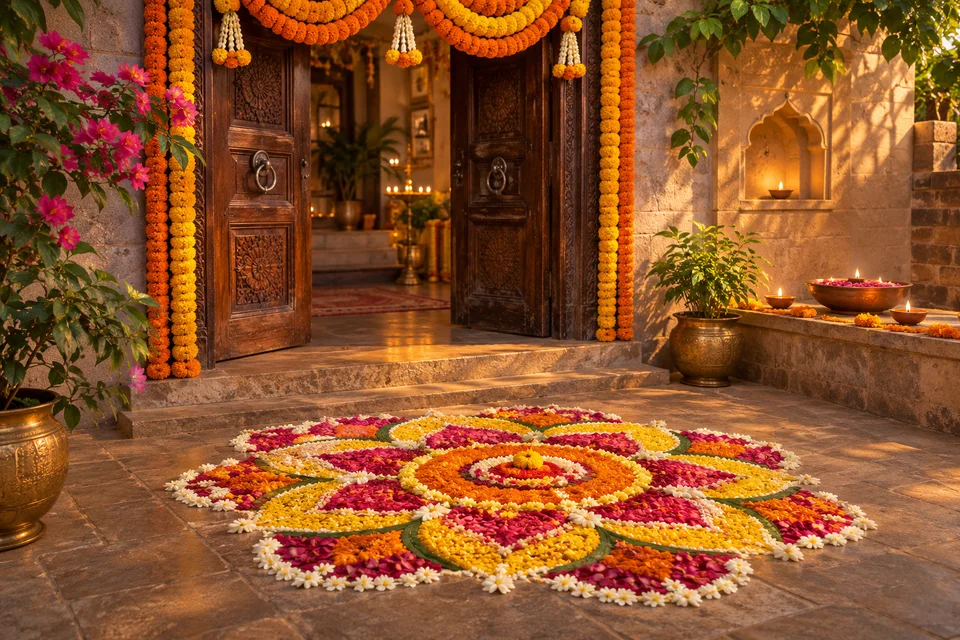
Explore a doorway, courtyard or shop display.
A welcoming doorway with a handmade rangoli, marigold garlands and safely placed diyas.
A SEASON OF CELEBRATION
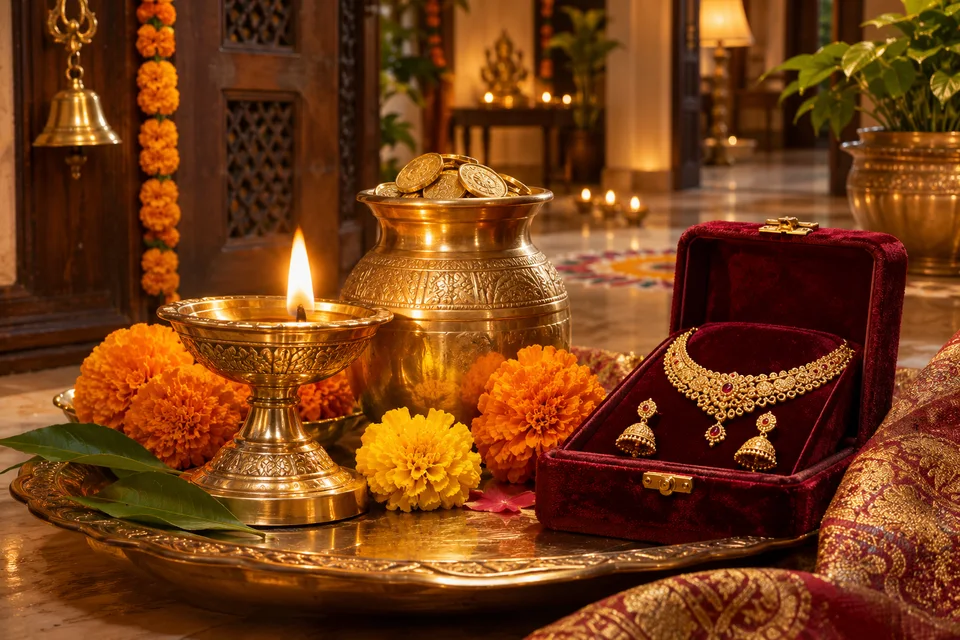
Explore the November–December 2026 season and New Year 2027. The editor marks current, upcoming and past editions.
 India
6 Nov 2026
Create for this occasionIndia8 Nov 2026
Create for this occasion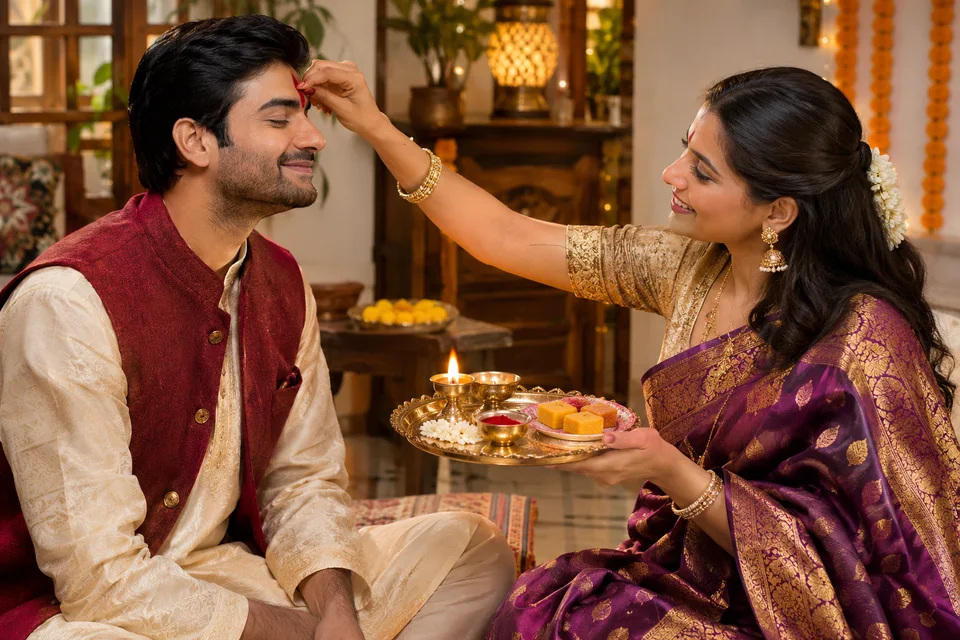 India / Bihar
11 Nov 2026
Create for this occasion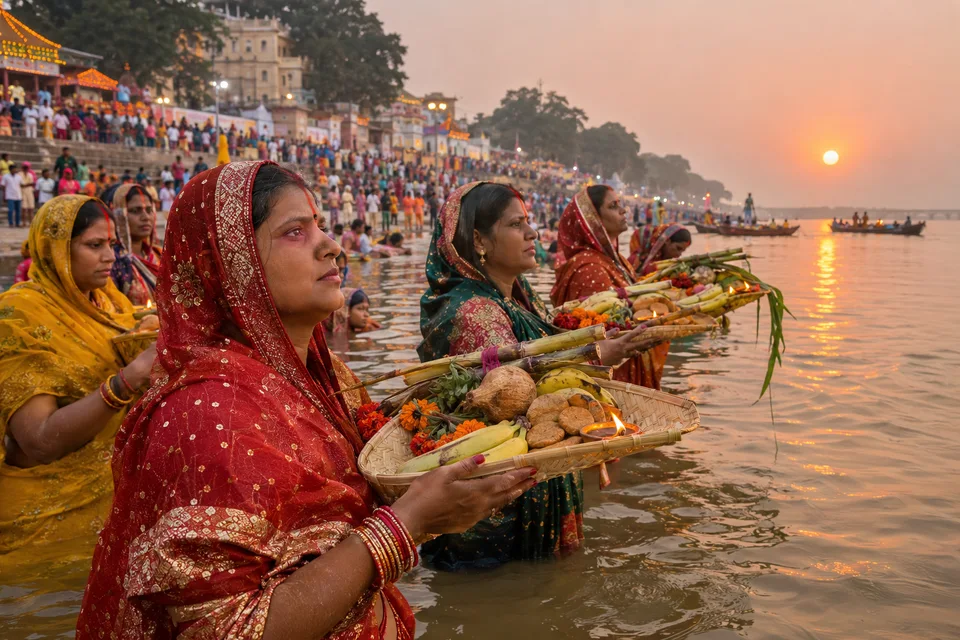 Bihar
13 Nov 2026 · four-day celebration
Create for this occasion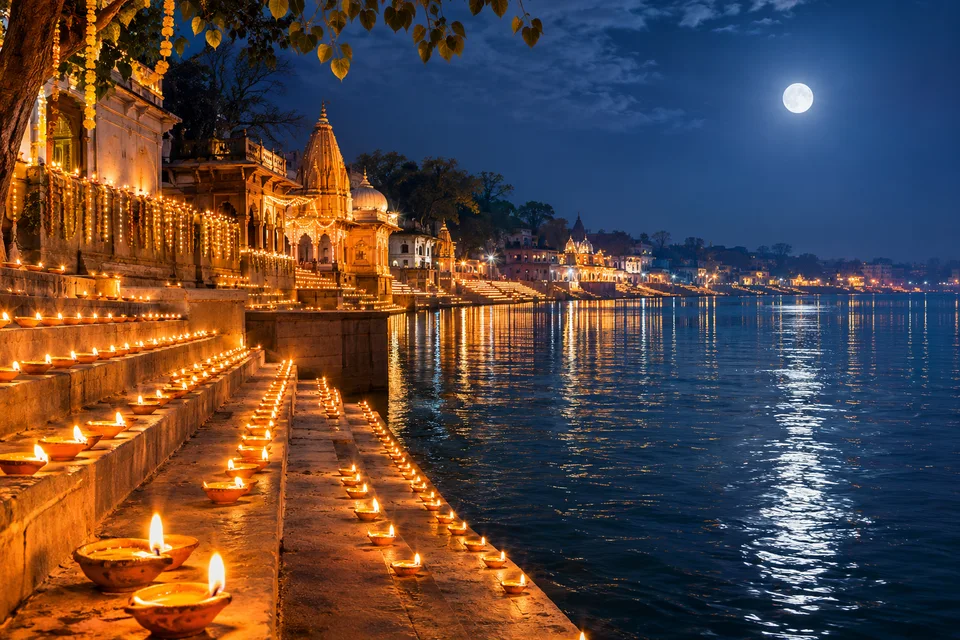 India / Bihar
24 Nov 2026
Create for this occasion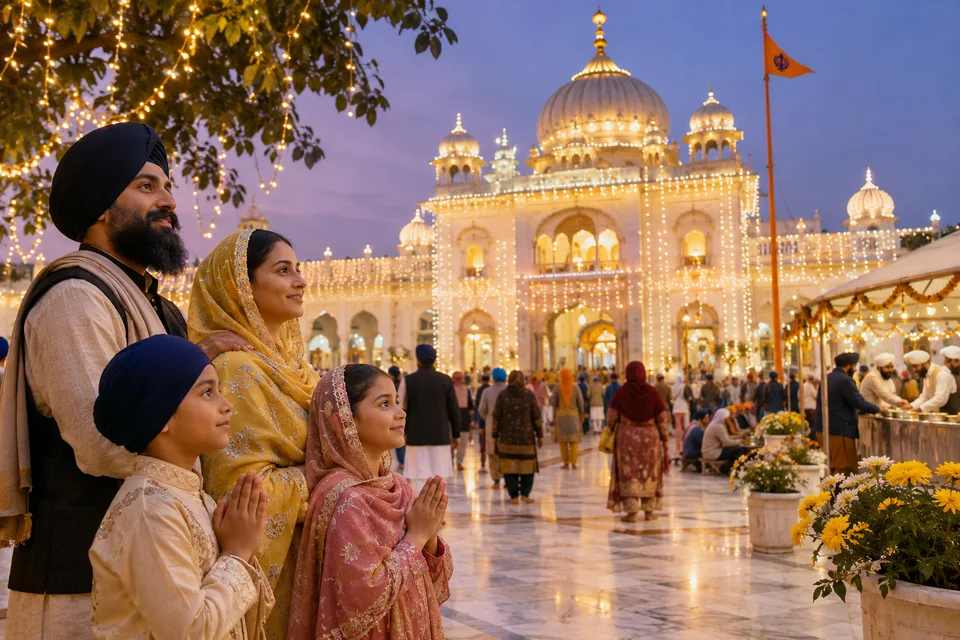 India
24 Nov 2026
Create for this occasion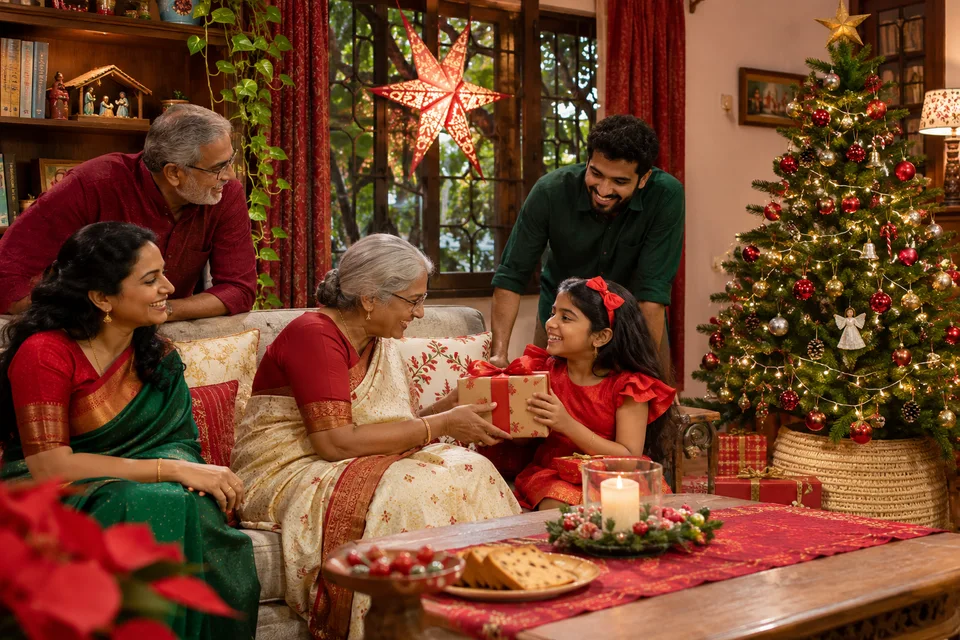 India
25 Dec 2026
Create for this occasion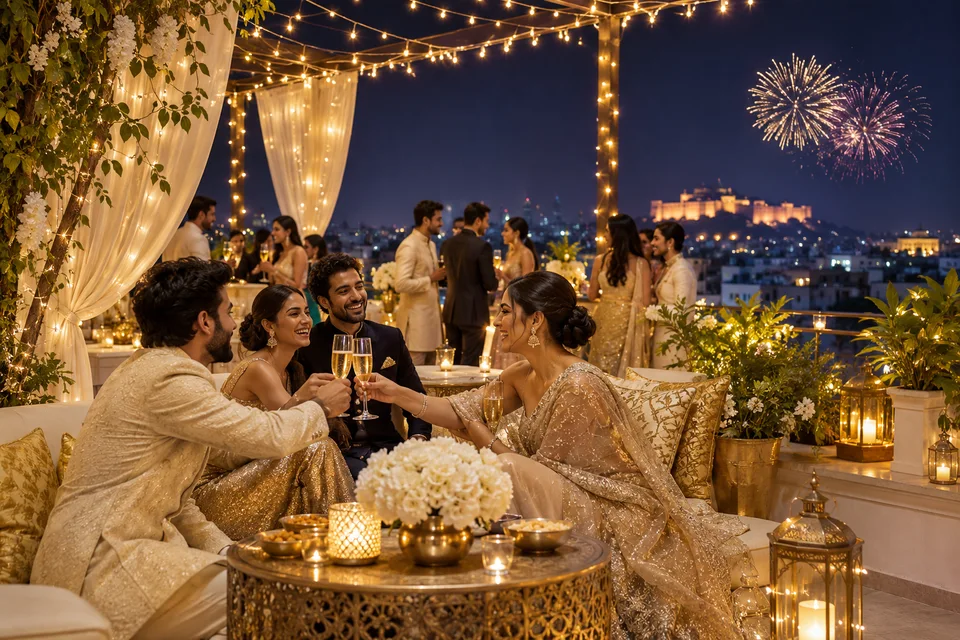 India
1 Jan 2027
Create for this occasion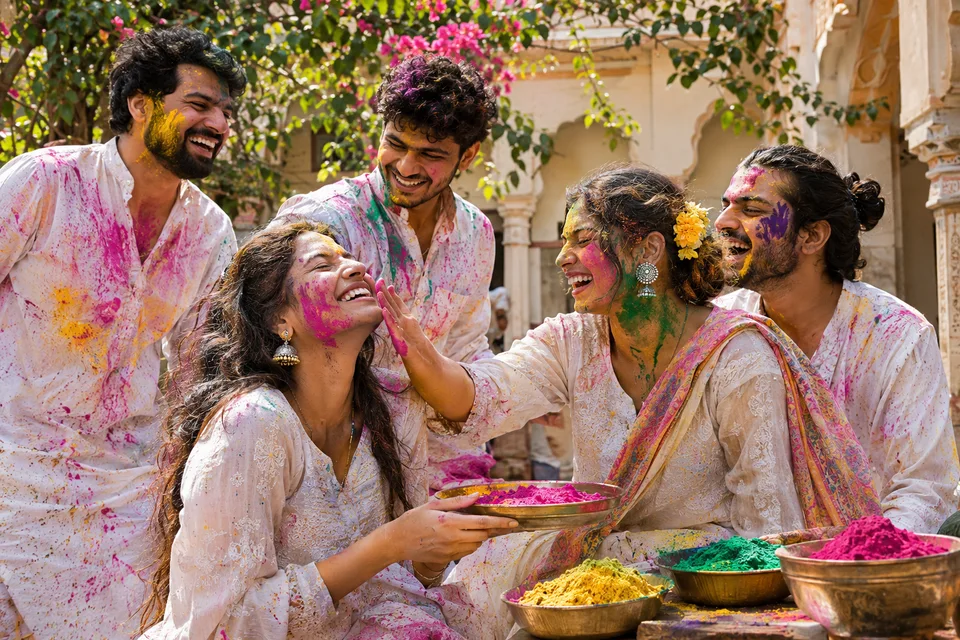 India
Choose your own date and personal details.
Make it yours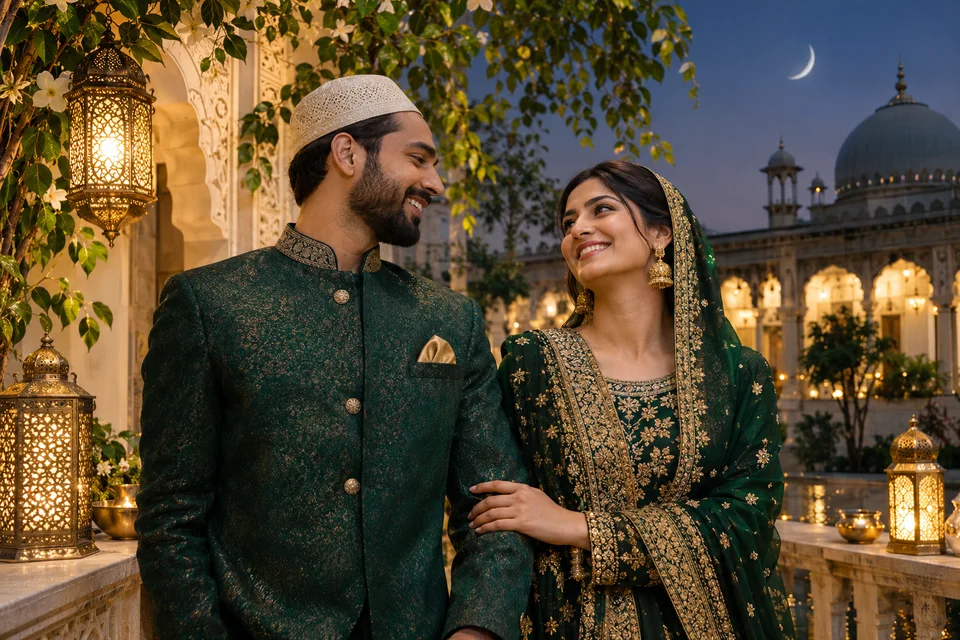 India
Choose your own date and personal details.
Make it yours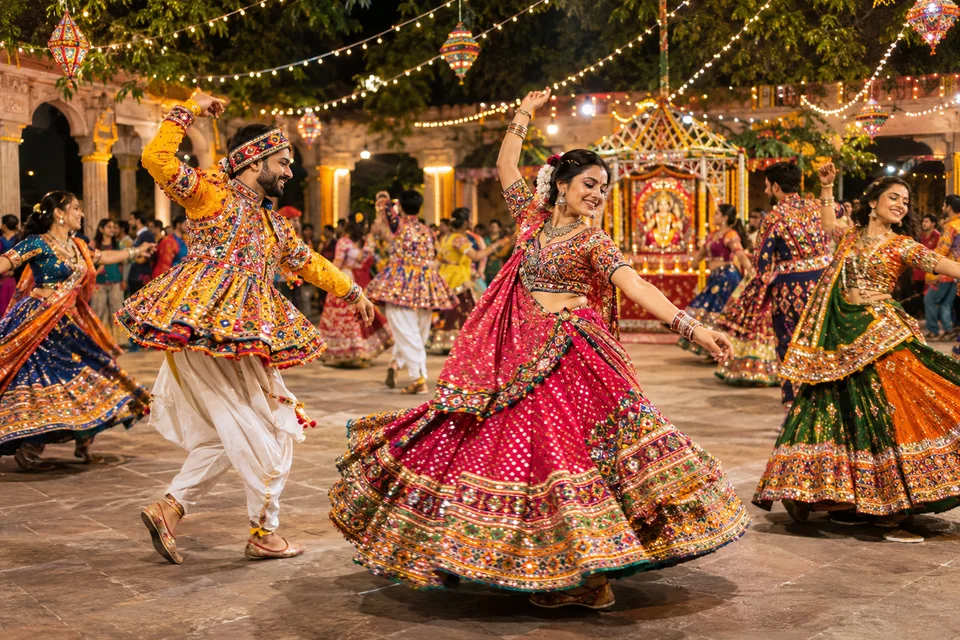 India
Choose your own date and personal details.
Make it yours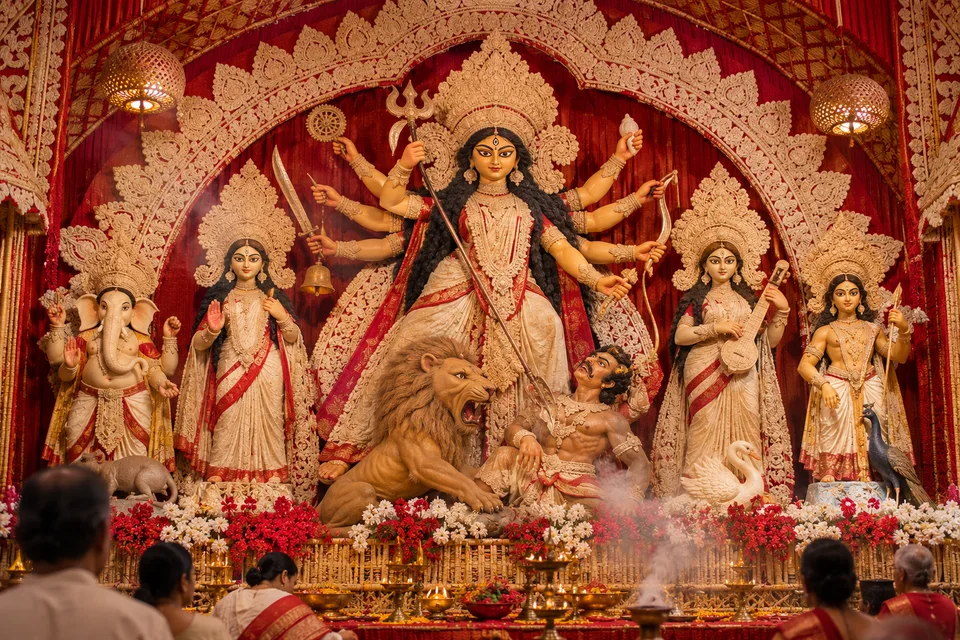 India
Choose your own date and personal details.
Make it yours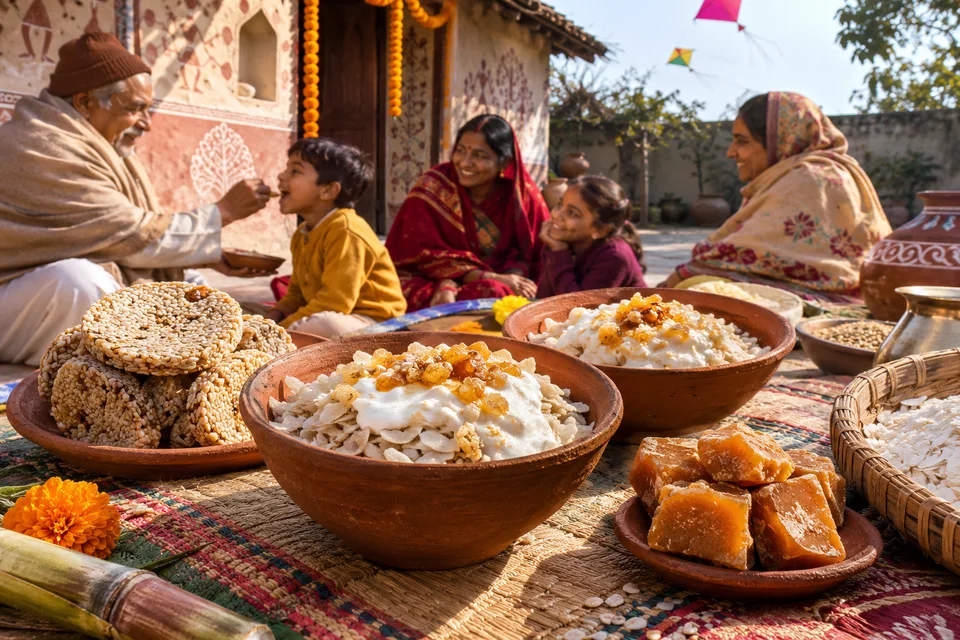 Bihar
Choose your own date and personal details.
Make it yours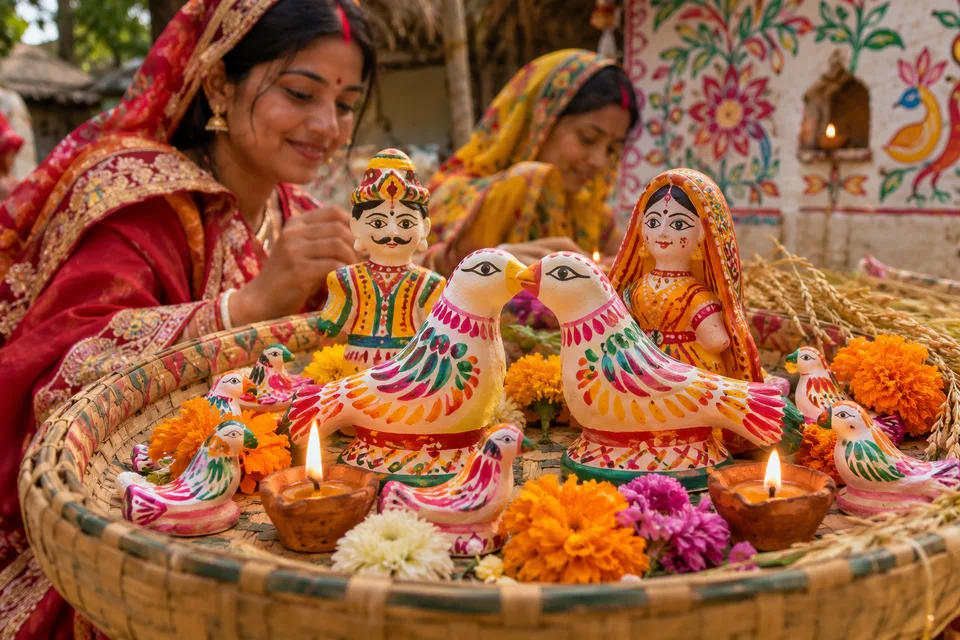 Bihar
Choose your own date and personal details.
Make it yours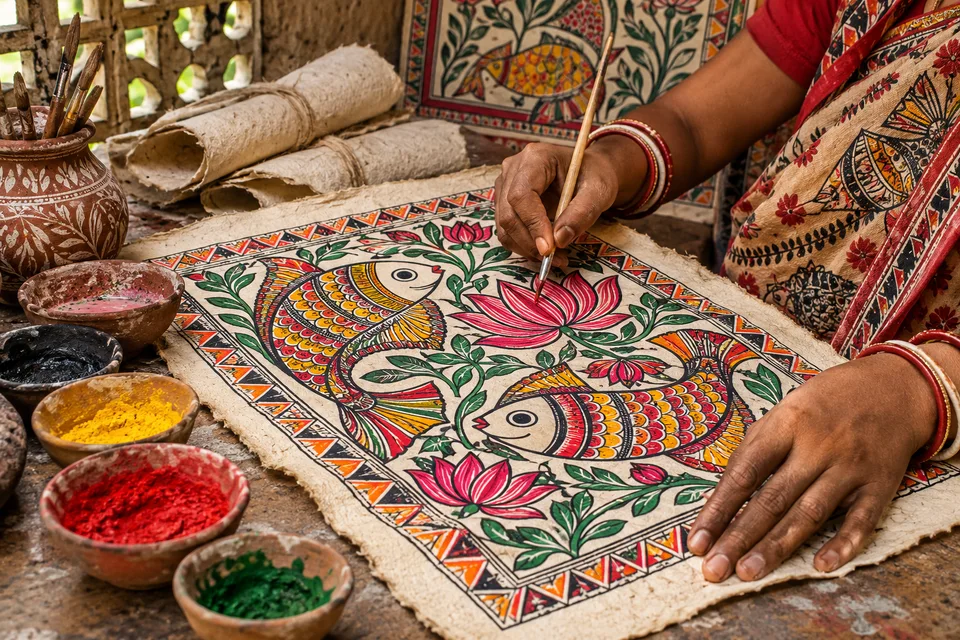 Bihar
Choose your own date and personal details.
Make it yours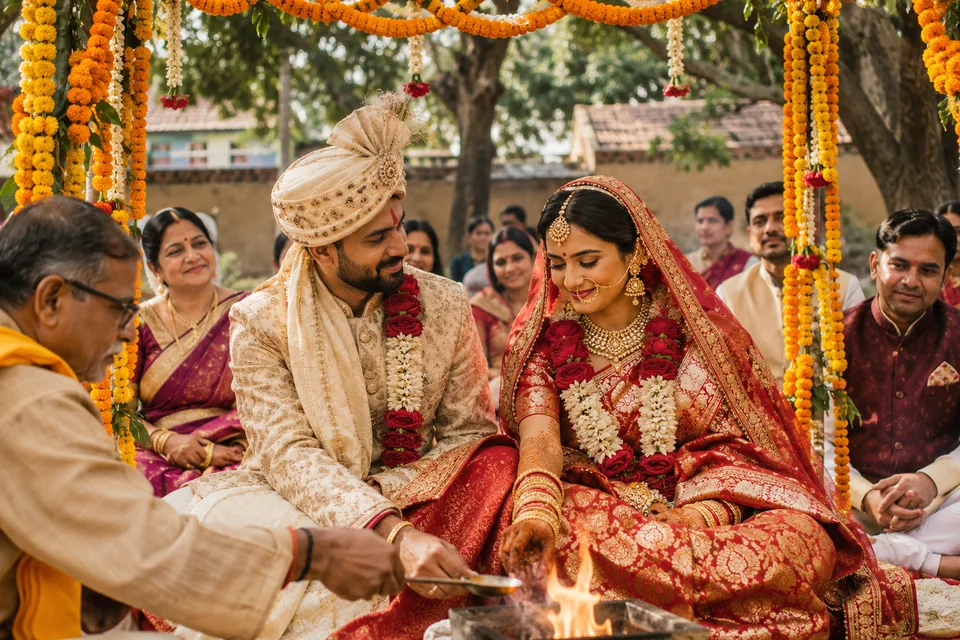 India
Choose your own date and personal details.
Make it yoursChhath includes separate Nahay Khay, Kharna, Sandhya Arghya and Usha Arghya choices. More occasions include Sama Chakeva, Bihar Diwas, Makar Sankranti, Holi, Eid, Navratri and Durga Puja. Dates vary by local observance; confirm event details before sharing.
FROM IDEA TO SOMETHING PERSONAL
Pick a festival and a result: a greeting, portrait, invitation or promotion.
Choose a language and add exact wishes. Upload a photo if you want to restyle a person or feature a real product.
Apply your brief, review the model and credit estimate, then generate. Check the wording and download your result.
CHOOSE YOUR CREATIVE APPROACH
Choose in the editor. Availability and credits depend on your selected model and settings.
Start with quick concepts for greetings, layouts and campaign ideas.
Choose for detailed compositions and photo editing.
Currently unavailable in the festival editor while reliability is reviewed.
Choose Image 3.0, 3.0 Omni, O1 or 2.1. Your brief opens in Kling Studio, where you add references and review its estimate.
Hindi, English, Bhojpuri, Maithili, Magahi, Urdu and Bengali guidance is available. Review spelling in every finished image. Reference likeness and product details can vary.
No. Create greetings, invitations and decor from a description. For a personal portrait or a real product promotion, upload the photo you want to use.
Yes. Enter the exact wording in the planner. Leave the field blank for artwork without text. Always check names and spelling in the result.
GPT Image 2.6 includes a GIF option in the editor. It uses a description without reference photos and may require provider preview access. Review its animation estimate before creating.
Opening this guide and preparing a brief does not start a generation. The editor shows a credit estimate before you generate; variations are charged separately as they start.