
SKYX VIDEO STUDIO
Make something worth watching.
From a first idea to your next campaign. Choose a direction and make it yours.
Think it.
Set it in motion.
Start with a ready scene. Shape the story, choose a model and review your credits.
Create a videoCHOOSE A DIRECTION
Your first scene, already imagined.
 01
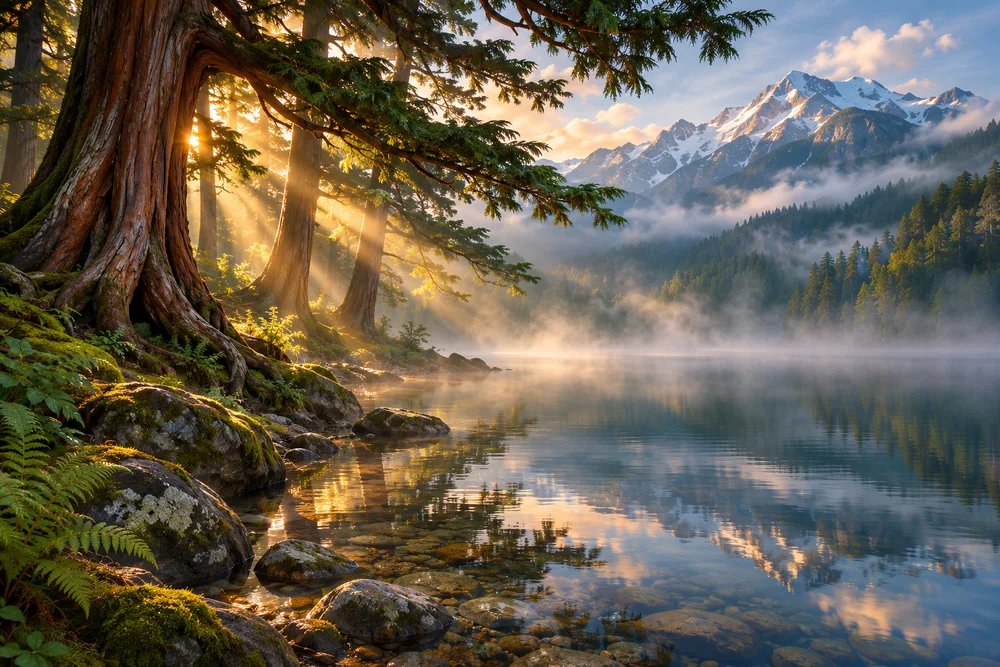
A calm nature scene
A quiet mountain lake at sunrise, mist drifting over the water, gentle ripples, slow tracking shot.
Use this brief · 13 credits at starter settings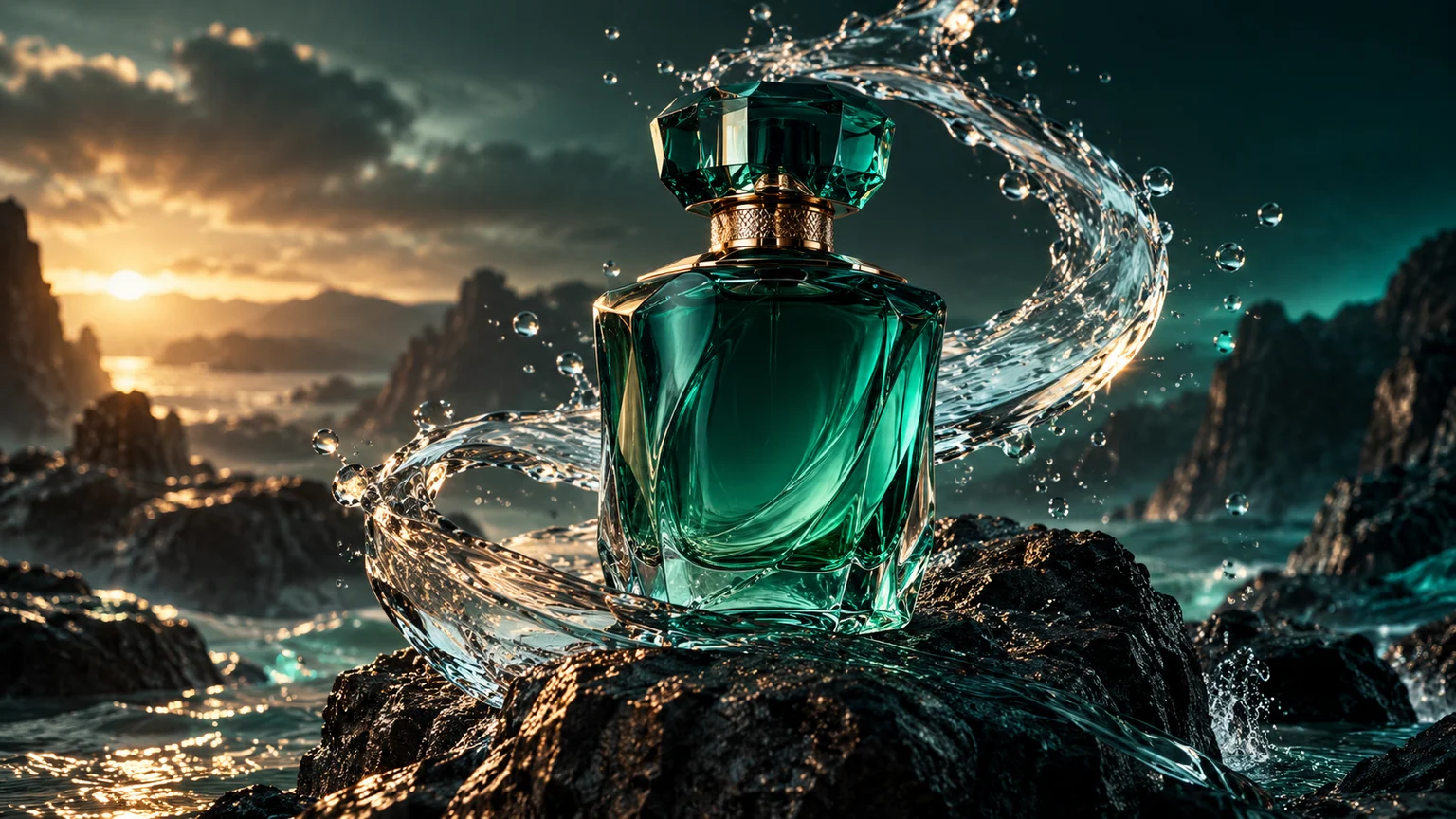 02
A product reveal
A perfume bottle on a marble pedestal, soft studio lighting, camera slowly circles.
Use this brief · 13 credits at starter settings03A creative short scene
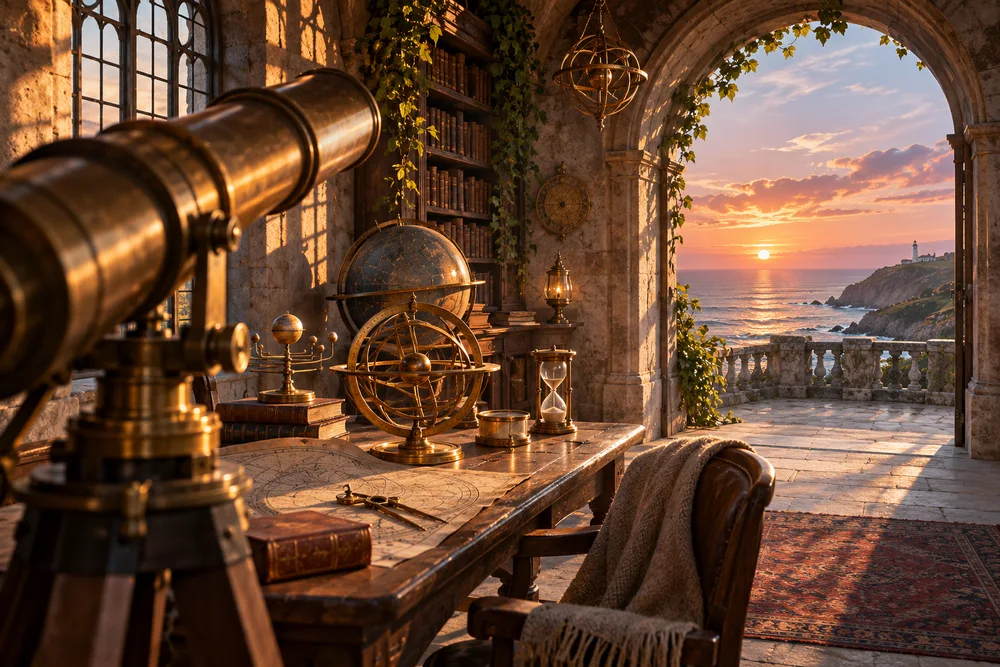
Inside an old coastal observatory, sunset light crosses a brass telescope, soft curtains move, slow cinematic push in.
Use this brief · 13 credits at starter settingsArtwork shows creative directions, not rendered results. Your workspace checks model availability, required inputs and credits before generation.
EVERY SKYX WORKSPACE
More ways to bring an idea to life.
Choose a result first. Your workspace guides you through the inputs, model and credit estimate. Opening a tool never starts a paid generation.

Create a video →
Start with a ready scene or write your own brief. Review the model and cost before creating.

Create or edit an image →
Describe a picture or bring a reference. Choose an image model and output size.
Build a product campaign →
Bring a product reference and direct its setting, lighting and presentation.
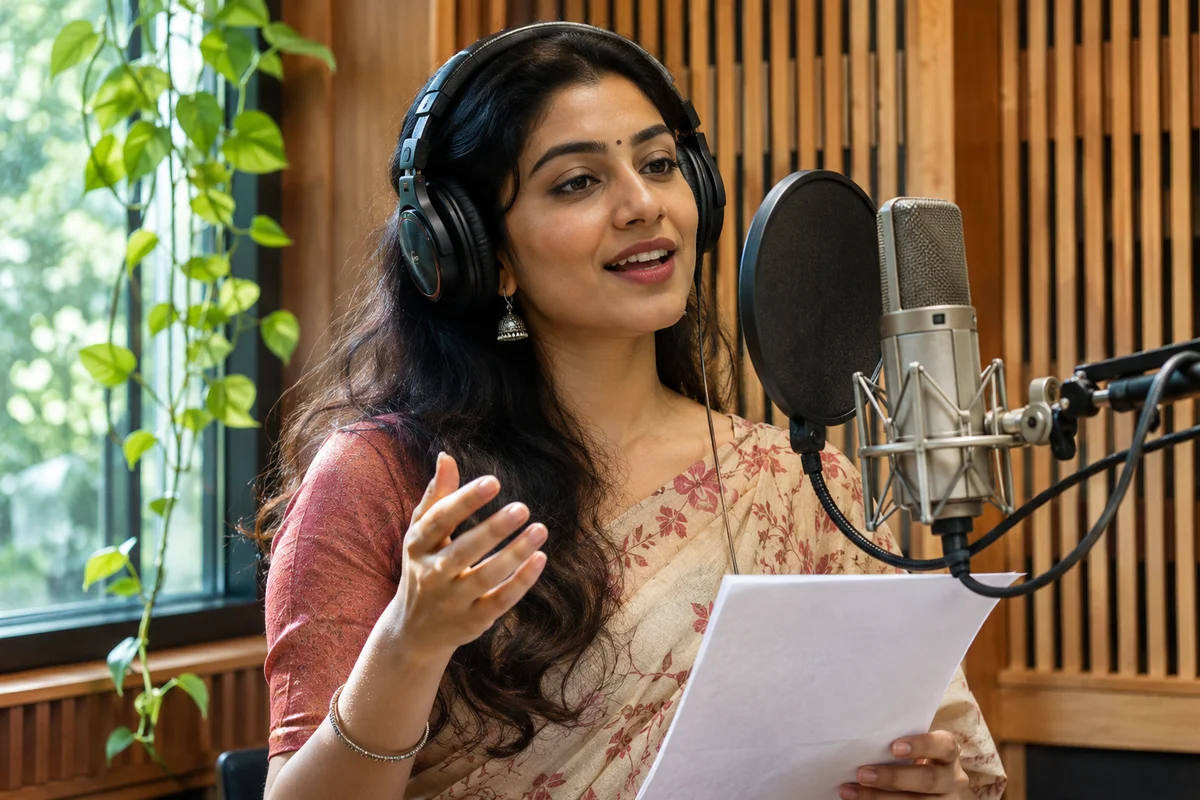
Record a voice over →
Add your script, choose a voice and check the estimated credits.

Make a soundtrack →
Describe the mood and choose a song, instrumental or short clip.

Plan a creative workflow →
Connect steps in Node Studio. Check each step’s inputs and availability.
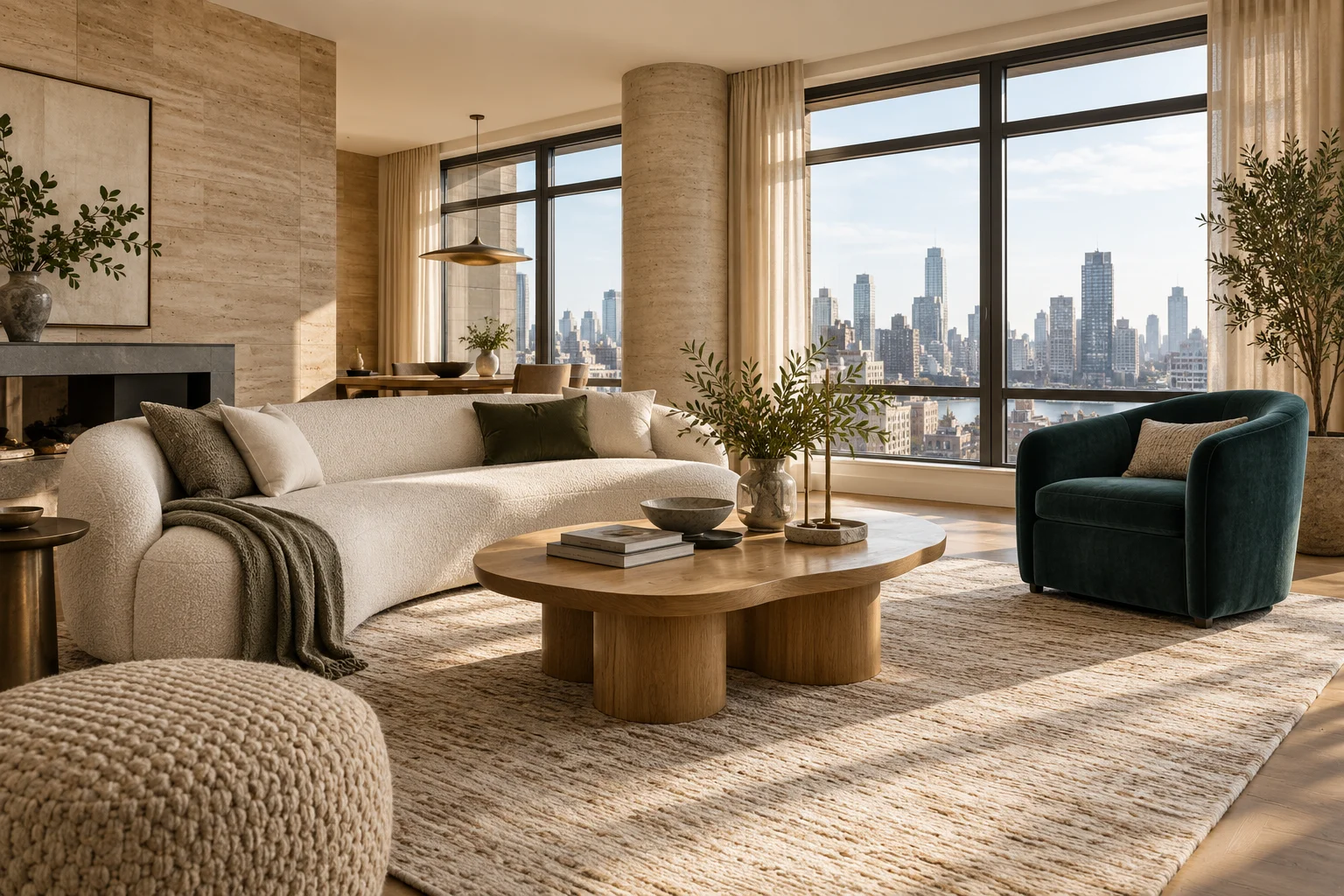
Design a room →
Upload your room and choose what to change, from furnishing to finishes.
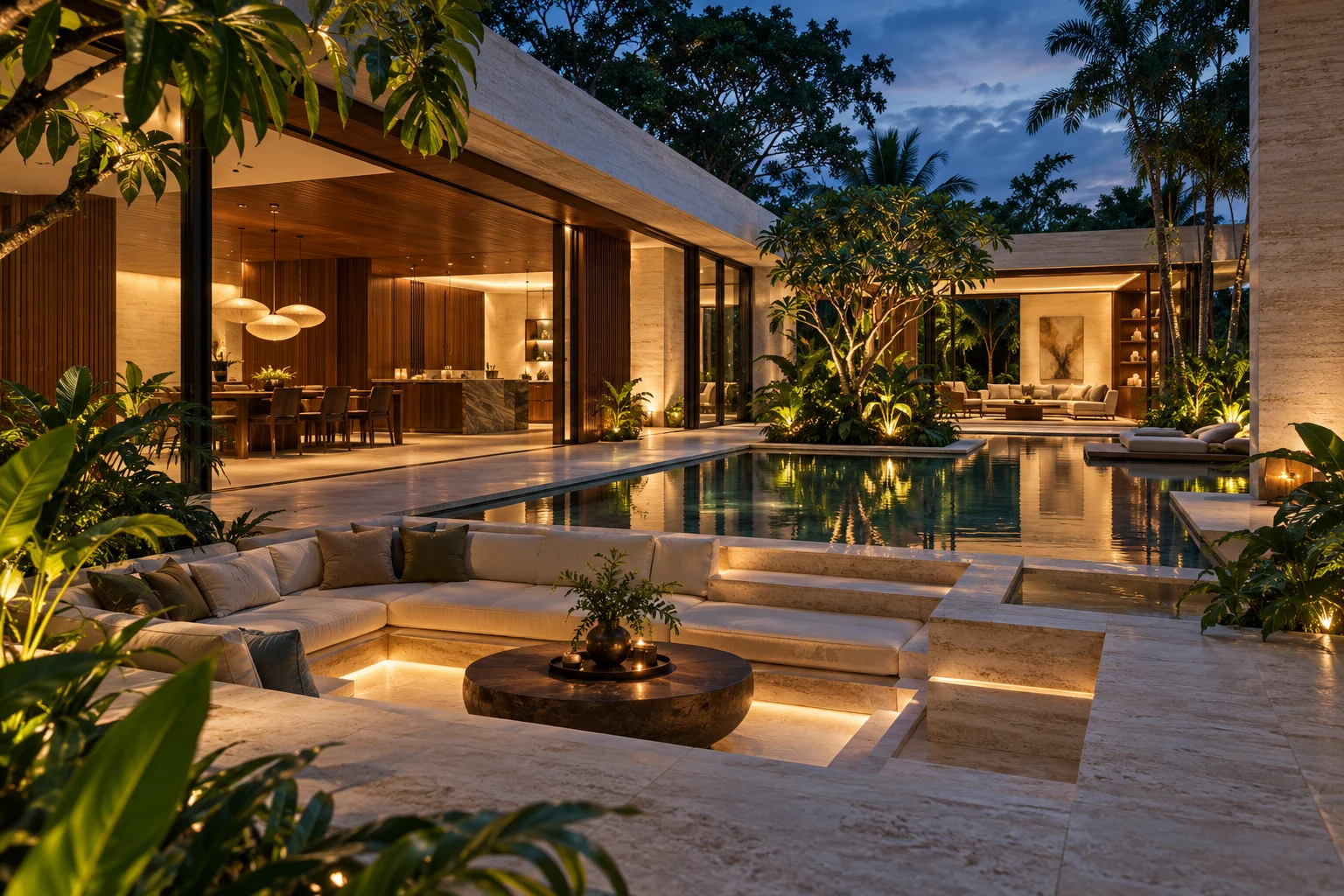
Explore architecture →
Bring a building reference and direct a new visual concept.
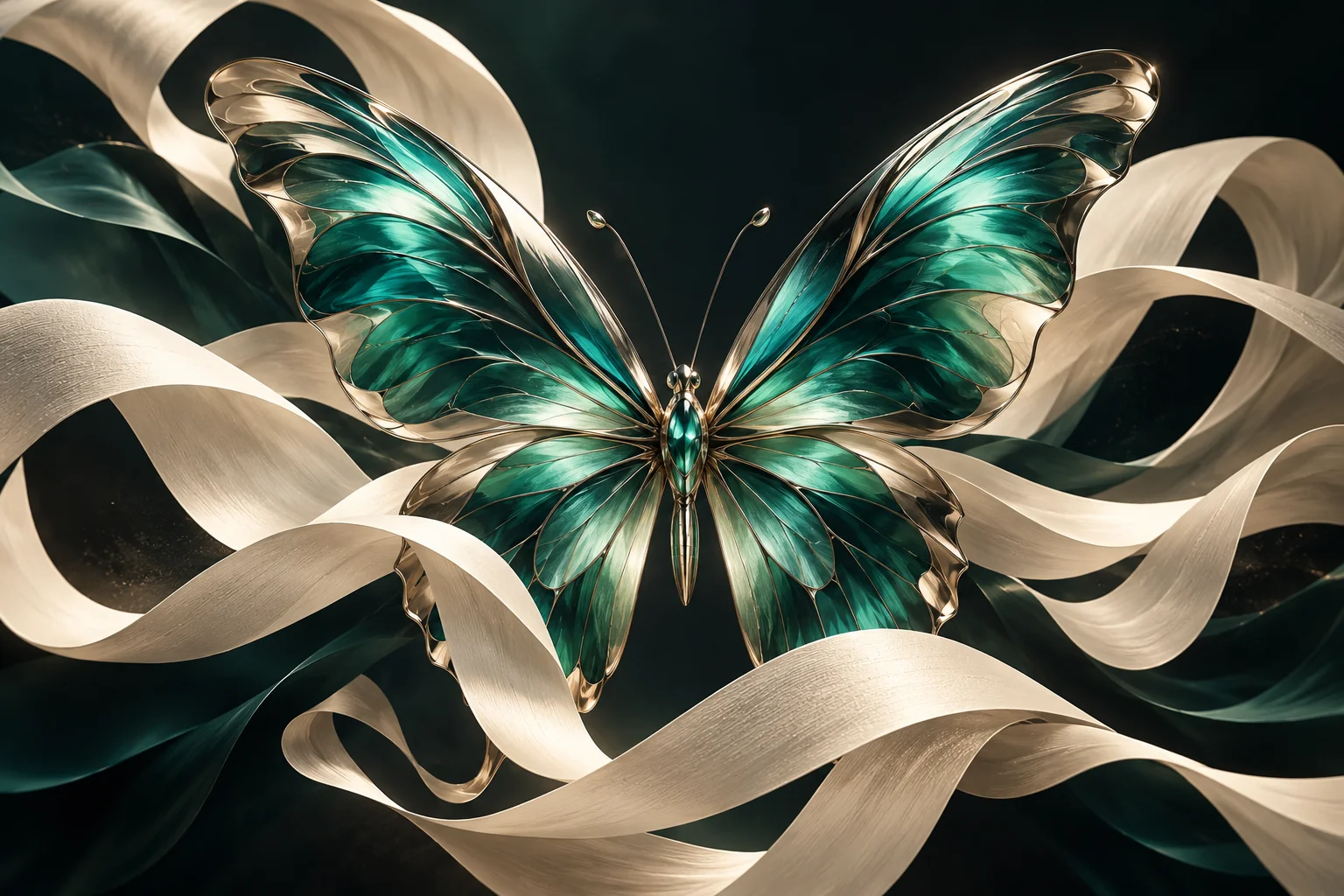
Design graphics →
Turn a description into artwork with format and model controls.

Make a headshot →
Upload your portrait and choose a professional look.
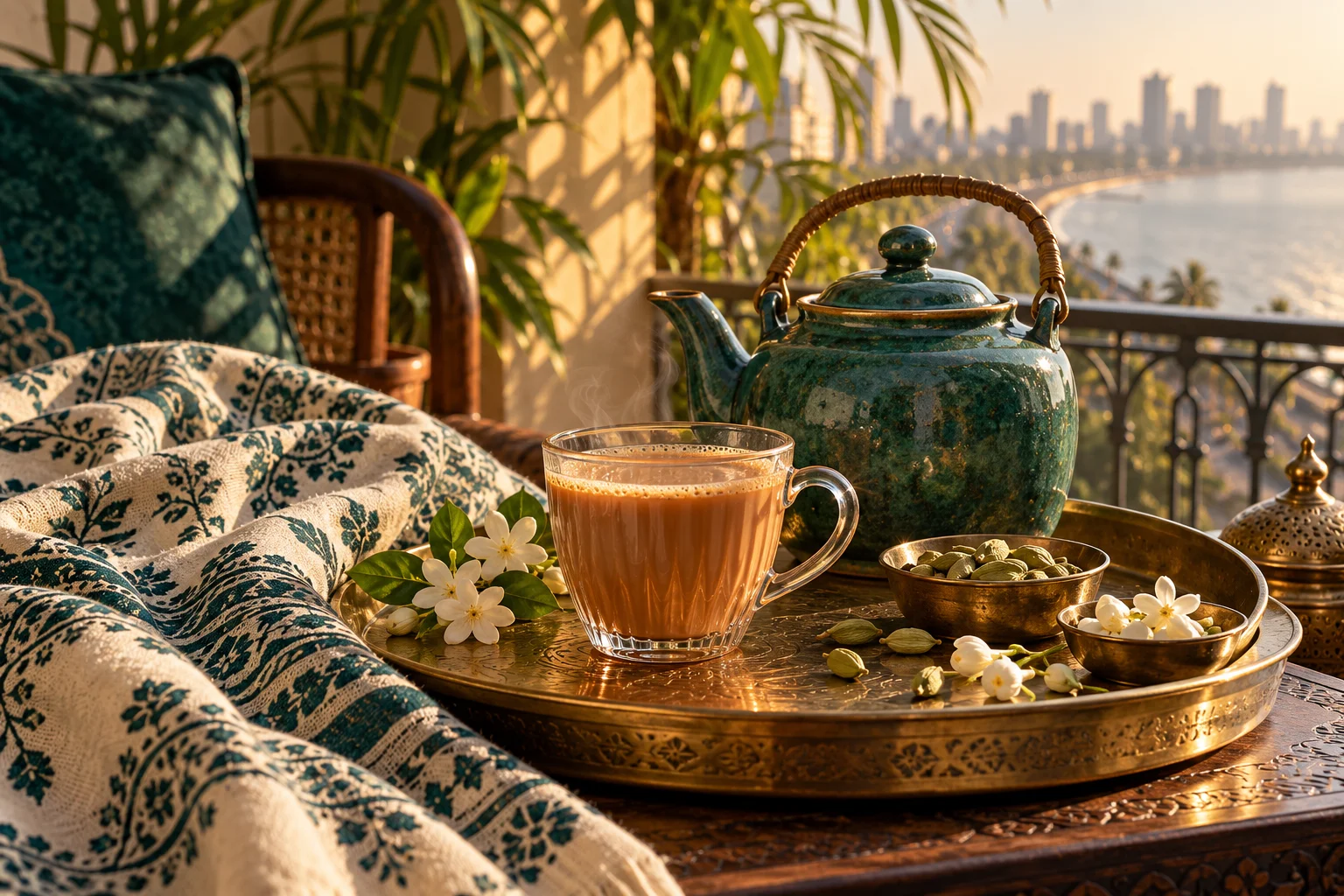
Prepare marketing assets →
Choose a marketing task and supply the product or campaign details.
Design for print →
Create artwork for merchandise and print projects.
Explore Game Studio →
Build a game concept with its dedicated project controls.
A workspace for every brief
Find specialised studios and all guided creative tools. Model availability and supported inputs are shown inside each workflow.
Studio
Video
Image
Audio
Edit
Choose a specific use case

Vector Logo & Icon Studio
Create scalable SVG logos, icons and illustrations.
Start with a description →

Animated Mascot Studio
Create a short looping GIF of an original mascot.
Start with a description →

Reaction & Meme GIFs
Make expressive reaction loops for social posts and chats.
Start with a description →

Animated Storyboard
Explore character movement or a product reveal as a GIF.
Start with a description →
Storyboard Maker
Plan a short film or ad as a visual shot sequence.
Start with a description →

Comic & Manga Creator
Turn a short story into a composed comic page.
Start with a description →

Character Sheet Studio
Build a visual reference sheet from your character image.
Bring a reference image →
Ad Concept Board
Explore three campaign directions from one product photo.
Bring a reference image →

Festival Studio
Create festive portraits, greetings, invitations and campaigns for India and Bihar.
Start with a description →
Professional Profile Packs
Create a coordinated set of profile photographs from one upload.
Bring a reference image →
Virtual Fashion Stylist
Explore outfits, accessories, hair and makeup.
Bring a reference image →
Product Advertising Studio
Turn a product photograph into a campaign.
Bring a reference image →
Background & Object Editor
Brush over a region to remove, replace or add details.
Bring a reference image →
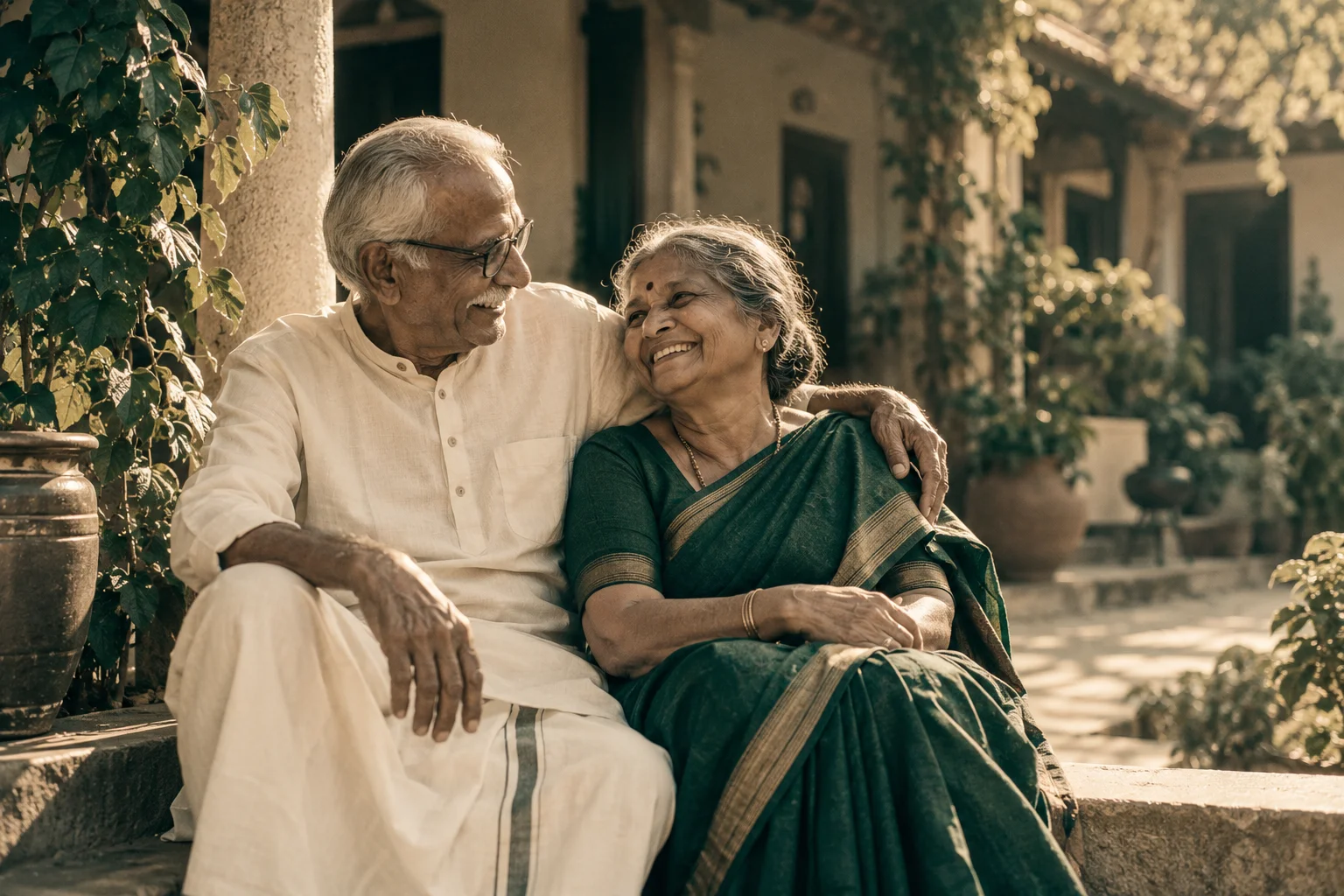
Photo Restoration Studio
Repair and refresh treasured photographs.
Bring a reference image →
Interior Virtual Staging
Explore furniture, finishes and lighting in your room.
Bring a reference image →
Architecture Visualization
Turn sketches and exterior photos into visual concepts.
Bring a reference image →
Social Media Creatives
Design thumbnails, posts, covers and promotional images.
Start with a description →
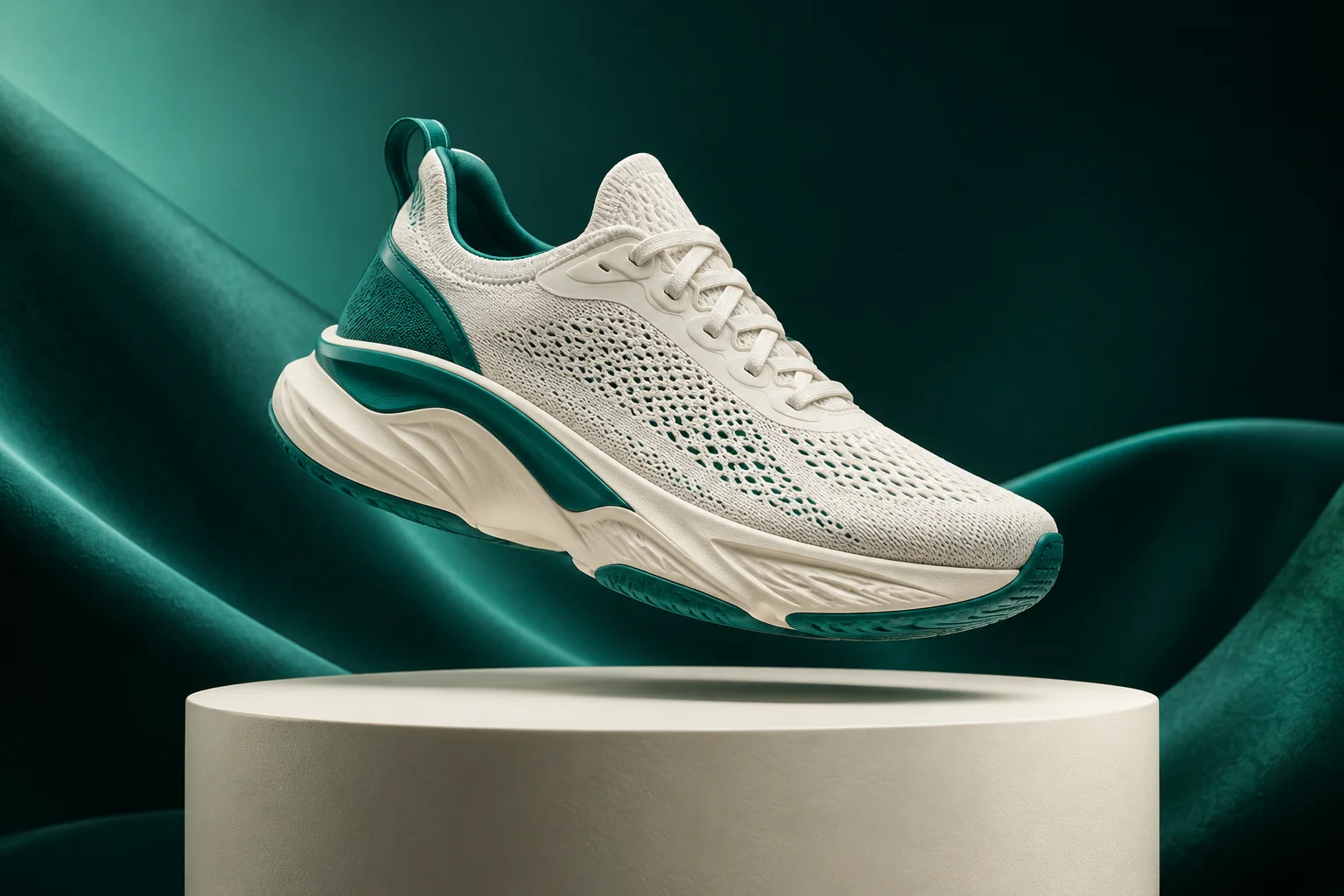
E-commerce Listing Toolkit
Prepare consistent product listing images.
Bring a reference image →
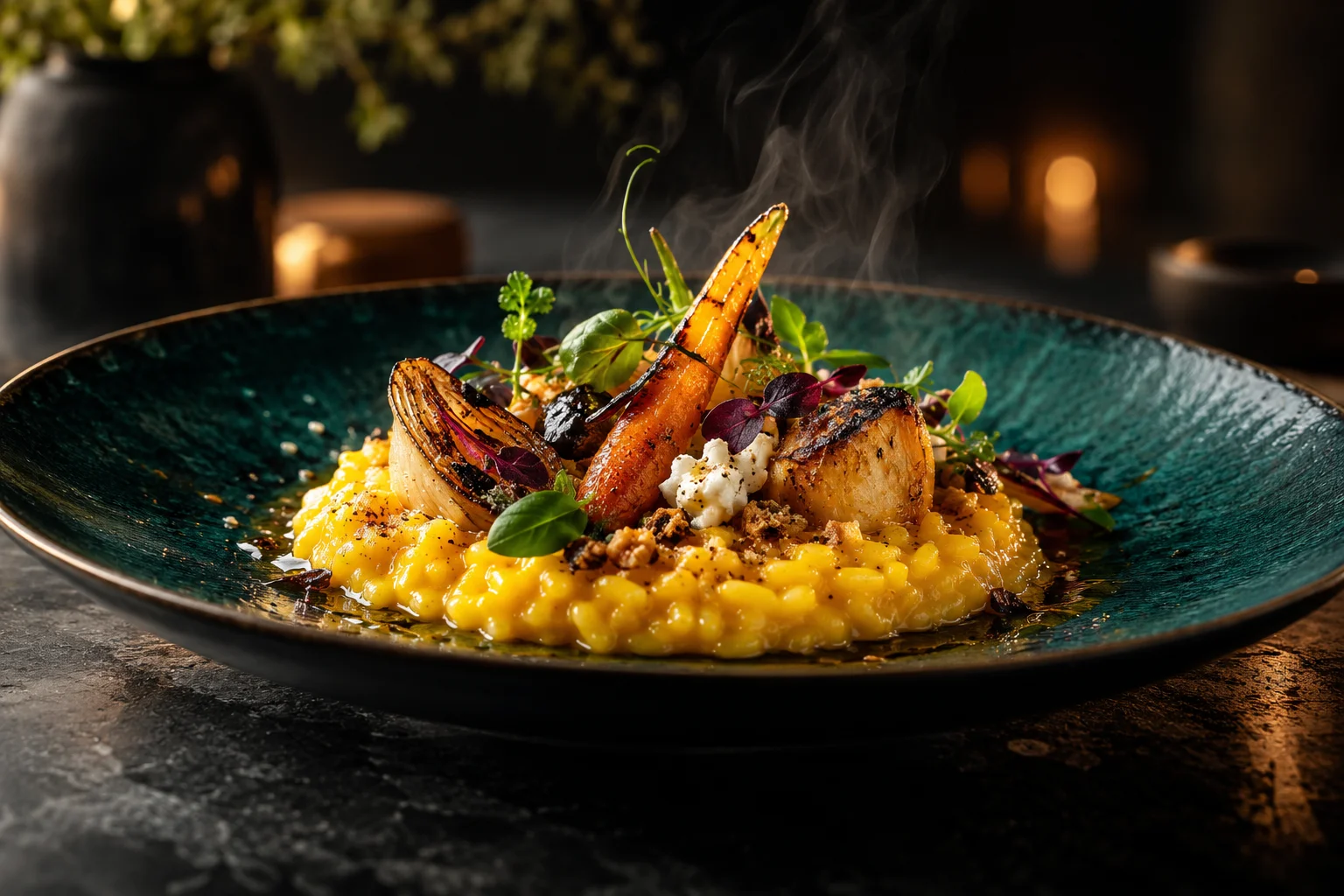
Food & Restaurant Photography
Style dishes for menus, campaigns and delivery listings.
Bring a reference image →
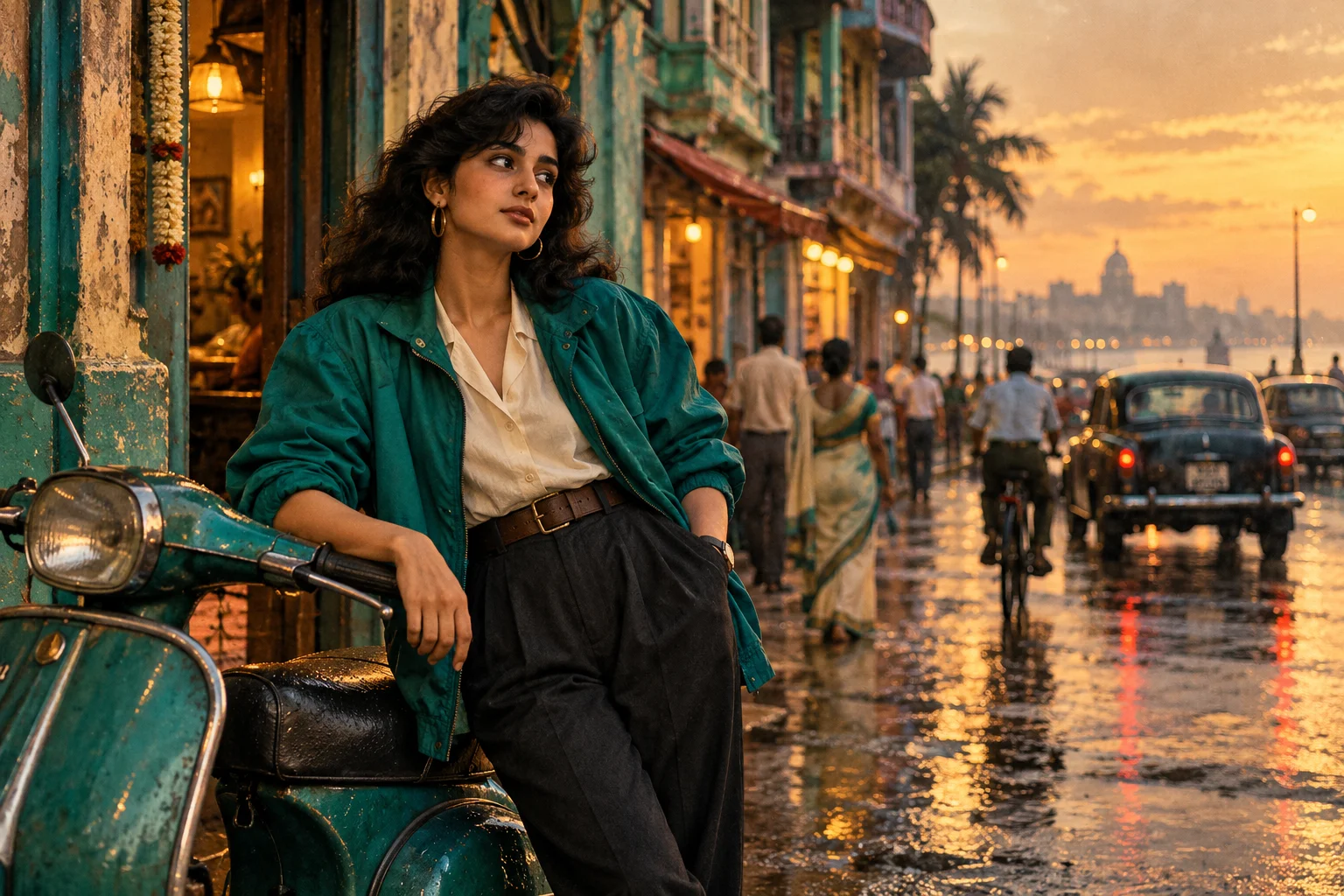
Travel & Time-Machine Portraits
Explore destinations, decades and cinematic photo styles.
Bring a reference image →
Print-on-Demand Generator
Create graphics, stickers, patterns and cover art.
Start with a description →

Image Expansion & Reformatting
Extend a photograph into a new format without cropping.
Bring a reference image →
Localized Advertising
Adapt a campaign’s language, setting and offer.
Bring a reference image →
Already created something? Open your saved creations. Save or download your work before moving to a different tool; uploads aren’t transferred automatically.