
← All model guides

Kling / Video

Kling 3.0 Omni

Combine visual references for consistent scenes.

Open studio →Explore use cases
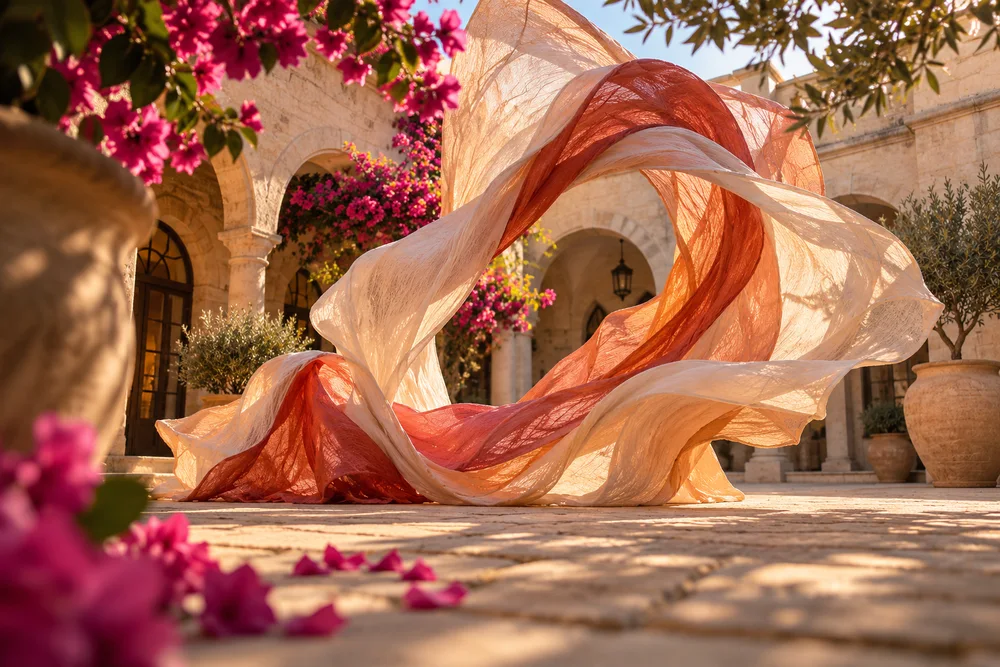
Kling 3.0 Omni creative direction — Illustrative illustration
Creative direction · not a verified output of this model

Know before you create

Describe a video · Bring an image to life · Connect key moments · Create with references · Edit an existing video · 720p / 1080p / 4k · Up to 15 seconds · Native audio

Provider access and account credits determine availability. Review your live quote before creating. Results vary; reference identity and exact motion preservation are not guaranteed.

WHAT YOU CAN MAKE

Start with a purpose.

01

Describe a video

What to add

A written scene, action and camera direction.

What you get

A generated video with your chosen duration.

A brief to start from

A premium perfume bottle stands on warm ivory stone. Morning sunlight moves gently through sheer curtains, revealing the glass and soft reflections. A slow lateral camera slide with restrained cinematic lighting. No logos, on-screen text or advertising claims.

Start this workflow →
02

Bring an image to life

What to add

One JPG or PNG and a description of the movement.

What you get

A new video starting from your image.

A brief to start from

Animate the adult person in the first frame as a friendly presenter. Preserve the facial features, hairstyle, wardrobe and background. A steady medium close-up with natural expression. The presenter says clearly in English: "Welcome to our creative studio." Natural synchronized speech, no extra people or on-screen text.

Start this workflow →
03

Connect key moments

What to add

At least two images, ordered from first to last.

What you get

A video connecting your visual moments.

A brief to start from

Begin with @image_1 and end with @image_2. Create one smooth cinematic transition between these visual states. Keep the central subject consistent, use natural movement and coherent lighting, and avoid extra scene cuts.

Start this workflow →
04

Create with references

What to add

Images, an optional reference clip, and their roles in the prompt.

What you get

A new scene guided by your supplied references.

A brief to start from

Use @image_1 as the exact product reference and @image_2 as the setting reference. Create a premium product showcase with a slow camera orbit, realistic materials and natural contact shadows. Preserve the branding. No invented specifications or offers.

Start this workflow →
05

Edit an existing video

What to add

A source video, clear edit instructions and optional reference images.

What you get

A regenerated video; unchanged details may still vary.

A brief to start from

Edit @video_1. Add a brief elegant ribbon of glowing particles that flows around the main subject, then gently dissolves. Preserve the subject identity, action, original camera path and background. Restrained cinematic lighting and no new text.

Start this workflow →

Your next three steps

  1. 1.Choose a use case and prepare your inputs.
  2. 2.Open the studio, select settings and review credits.
  3. 3.Create, review the result and refine your brief.
Compare other models →
    Kling 3.0 Omni — Use Cases & Guide | SkyX - SkyX Technology