
← All model guides

Kling / Video

Kling 3.0

Native audio and cinematic first/last-frame scenes.

Open studio →Explore use cases
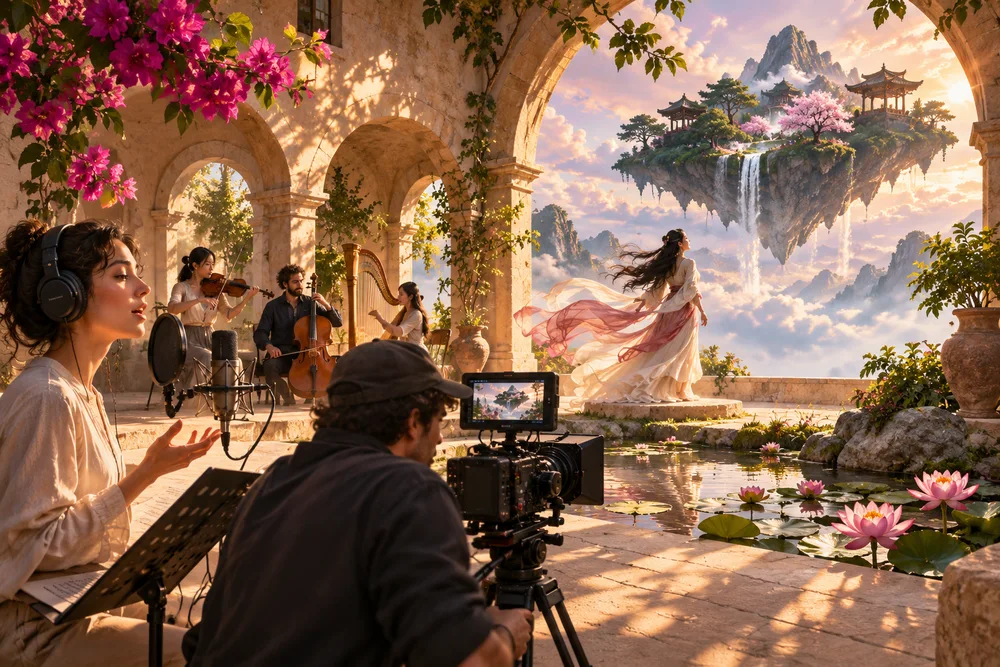
Kling 3.0 creative direction — Illustrative illustration
Creative direction · not a verified output of this model

Know before you create

Describe a video · Bring an image to life · Connect key moments · 720p / 1080p / 4k · Up to 15 seconds · Native audio

Provider access and account credits determine availability. Review your live quote before creating. Results vary; reference identity and exact motion preservation are not guaranteed.

WHAT YOU CAN MAKE

Start with a purpose.

01

Describe a video

What to add

A written scene, action and camera direction.

What you get

A generated video with your chosen duration.

A brief to start from

A premium perfume bottle stands on warm ivory stone. Morning sunlight moves gently through sheer curtains, revealing the glass and soft reflections. A slow lateral camera slide with restrained cinematic lighting. No logos, on-screen text or advertising claims.

Start this workflow →
02

Bring an image to life

What to add

One JPG or PNG and a description of the movement.

What you get

A new video starting from your image.

A brief to start from

Animate the adult person in the first frame as a friendly presenter. Preserve the facial features, hairstyle, wardrobe and background. A steady medium close-up with natural expression. The presenter says clearly in English: "Welcome to our creative studio." Natural synchronized speech, no extra people or on-screen text.

Start this workflow →
03

Connect key moments

What to add

At least two images, ordered from first to last.

What you get

A video connecting your visual moments.

A brief to start from

Begin with @image_1 and end with @image_2. Create one smooth cinematic transition between these visual states. Keep the central subject consistent, use natural movement and coherent lighting, and avoid extra scene cuts.

Start this workflow →

Your next three steps

  1. 1.Choose a use case and prepare your inputs.
  2. 2.Open the studio, select settings and review credits.
  3. 3.Create, review the result and refine your brief.
Compare other models →
    Kling 3.0 — Use Cases & Guide | SkyX - SkyX Technology