
← All model guides

OpenAI / Image

GPT Image 2.5 Sunburst

Detailed compositions and reference-led image edits.

Open studio →Explore use cases
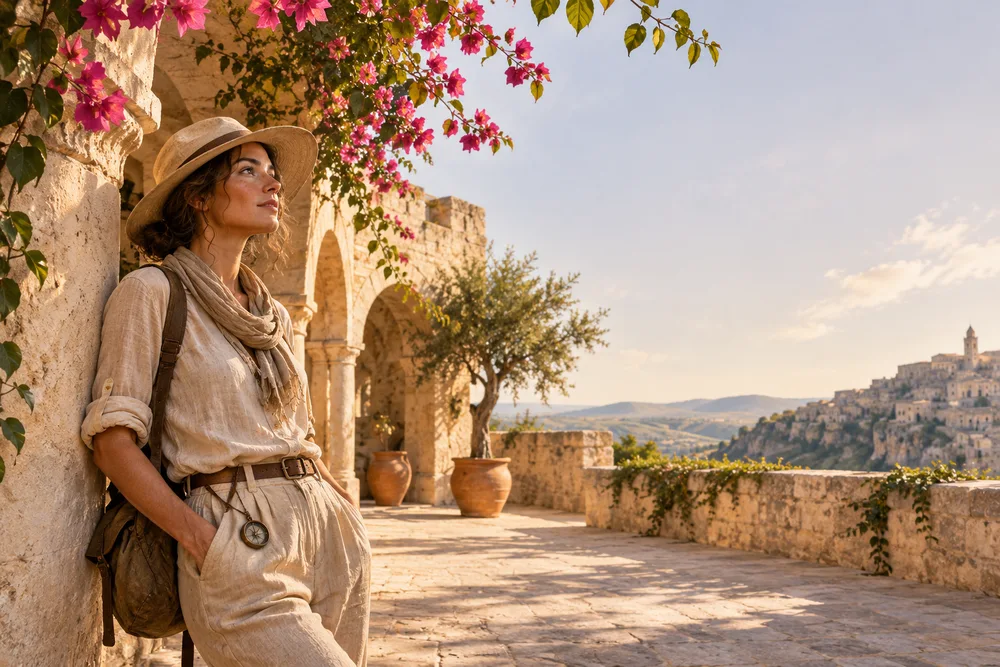
GPT Image 2.5 Sunburst creative direction — Illustrative illustration
Creative direction · not a verified output of this model

Know before you create

Choose this model in the image selector. Credits are shown before generation.

Provider access and account credits determine availability. Review your live quote before creating. Results vary; reference identity and exact motion preservation are not guaranteed.

WHAT YOU CAN MAKE

Start with a purpose.

01

Product campaign

What to add

Start with one clear subject, action and visual style. Add references when supported.

What you get

A generated image to review and refine.

A brief to start from

Create a product campaign featuring an original ceramic vessel in warm daylight. Clean composition, realistic materials and no added text.

Start this workflow →
02

Editorial portrait

What to add

Start with one clear subject, action and visual style. Add references when supported.

What you get

A generated image to review and refine.

A brief to start from

Create a editorial portrait featuring an original ceramic vessel in warm daylight. Clean composition, realistic materials and no added text.

Start this workflow →
03

Social creative

What to add

Start with one clear subject, action and visual style. Add references when supported.

What you get

A generated image to review and refine.

A brief to start from

Create a social creative featuring an original ceramic vessel in warm daylight. Clean composition, realistic materials and no added text.

Start this workflow →

Your next three steps

  1. 1.Choose a use case and prepare your inputs.
  2. 2.Open the studio, select settings and review credits.
  3. 3.Create, review the result and refine your brief.
Compare other models →
    GPT Image 2.5 Sunburst — Use Cases & Guide | SkyX - SkyX Technology